The booking-to-review loop, explained
Follow one customer from the first click through the review request, and inspect the seams in your own version of the loop.

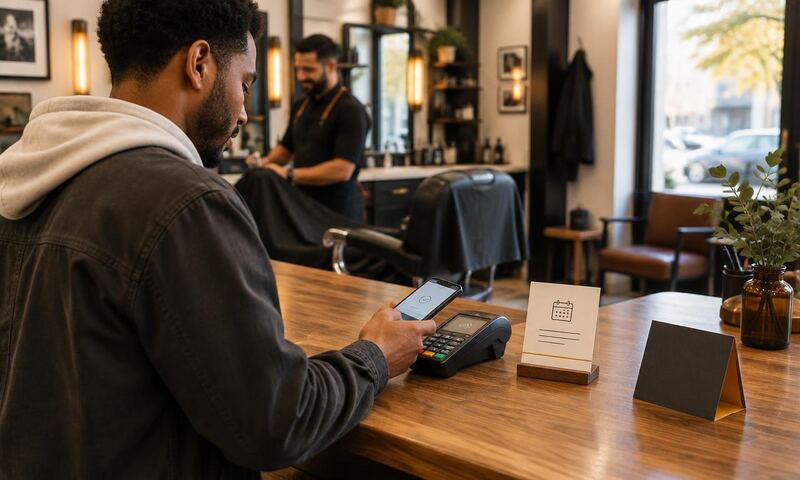
It is Friday at 4:47pm. Two of the day's appointments did not show. Yesterday's customer was not sent a review request. The client who tipped well last month has no next visit on the calendar.
The tools may exist, but the seams can still depend on attention. A booking page, a card on file, a reminder text, a review link, a follow-up email: each piece can work while the handoffs between them stay manual.
This guide walks the loop in the order a customer moves through it, so you can inspect your own seams before buying another piece of software to paper over one.
Think of the booking-to-review loop as one continuous track: click on the site, walk in the door, walk out, receive a review request, book the next visit. Same customer, one lap around.
This guide inspects five stages: booking, deposit, reminder, review, and rebooking. Each stage hands the customer to the next. When the handoffs are configured and tested, the next step runs without anyone remembering to trigger it.
The loop
The five stages
- 1Booking
- 2Deposit
- 3Reminder
- 4Review
- 5Rebooking
Each stage has one job. Miss one, or run it by hand, and the loop pops open right there.
- 01Booking. A customer picks a time and gives you their contact details. The target design is for this to be the single entry point that creates the customer record.
- 02Deposit. A card is captured before the slot is held. This gives you a way to charge a no-show, and its effect on booking behavior is something to measure, not assume.
- 03Reminder. Two automated messages, one 24 hours out and one two hours out, are a schedule to test against the recorded missed-appointment baseline.
- 04Review. A request sent within a few hours of the visit, on the channel the customer already uses, before the memory fades.
- 05Rebooking. An invitation to book the next visit, timed to the service cycle, with the previous appointment's context attached.
Data model
One customer record across the loop
Connected does not mean everything lives in one app. It means one customer record moves through every stage without anyone retyping a name, a phone number, or a service.
The booking creates the record. The deposit attaches to that record. The reminder pulls the customer's name and appointment time from that record. The review request knows which service they had. The rebooking uses the last visit as its anchor.
When a stage keeps its own private copy of the customer, the selected connected stages are no longer connected. An audit can observe duplicated handoffs and disconnected stages even when each tool reports itself as healthy.
Failure signs
Signs of a broken handoff
Daily friction can suggest where a seam sits. A diagnostic confirms what the audit can observe before any installation. Look for these seams:
- 01You keep a spreadsheet or a notepad to track anything that lives in your booking tool.
- 02Reminders go out only if you remember to send them.
- 03Review requests fire without an eligibility rule tied to the completed appointment.
- 04You have no idea how many of last month's customers came back.
- 05Two of your tools disagree about who your customer is.
Starting point
Measure each stage before buying tools
The instinct is to buy a bigger platform. Do not. Instead, measure each stage against your own records: booking, deposits, reminders, reviews, and rebooking. The leak may sit at any one of them, or more than one.
Pull your last month of bookings, no-shows, and reviews before you decide what to fix. A deposit, a reminder change, or a review request may change no-shows, completed visits, or bookings. Whether it does, and by how much, is something you measure against your own baseline, not something to assume in advance.
The self-audit guide walks you through which seam to close first for your shop.
Frequently asked questions
Get a plain-English map of your loop.
The free scan grades your site the way a customer sees it and lists the top five leaks in order.
No card, no sales call required. Report emailed to you.