A simple booking-process self-audit
Five simple checks any owner-operator can run in ten minutes, using nothing but their own site and phone.

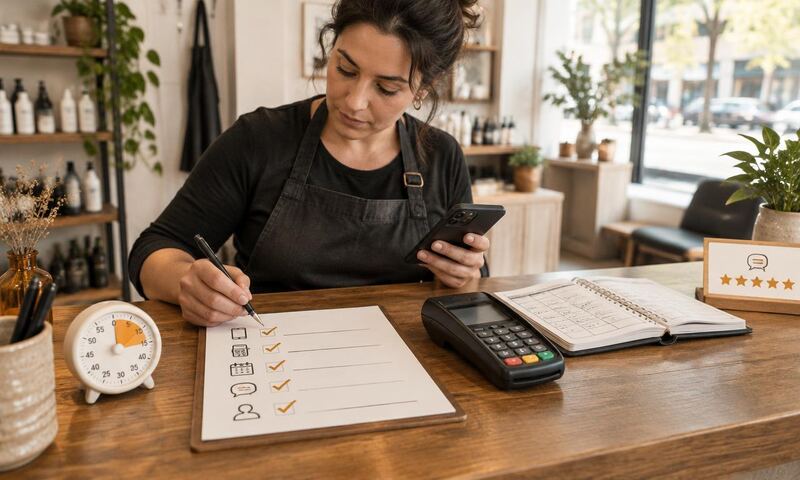
You already know something is off. Last month's numbers were fine and last week felt harder than it should have. The instinct is to shop for software. Do not. Set a timer for ten minutes and take the audit below first.
Every check uses your own phone, your own inbox, and your last two customer confirmations. Score honestly. If you cannot score a check, mark it for review instead of guessing, because a customer landing on your site cannot see the answer either, and that is the whole point.
Speed
Booking speed: under 30 seconds
- Book a fake appointment from your homepage.
- Confirm a deposit or card is captured.
- Wait for the reminder. Note if one arrives.
- Check the review request timing after checkout.
- Look for a rebooking prompt on the receipt or follow-up.
Open your homepage on your phone in a private browser window, no autofill, no saved passwords, no shortcut into the booking tool. Time yourself from the moment the page loads to the moment a specific time slot is selected. Under 30 seconds is a pass.
If the primary call to action is a phone number, a contact form, or a menu you have to open, this check fails. If the booking button is above the fold and one tap opens a calendar, it passes.
Payment
Card capture and deposit terms
Walk through a real booking on your own site, right through to the payment step. Stop before you actually pay. Take a moment to notice whether the screen is asking for money, and if so, whether the deposit amount and refund policy are visible above the pay button.
If the flow completes without asking for a card, you have no way to enforce a no-show policy. That is a fail regardless of what the policy says elsewhere on the site.
Reminders
Appointment reminders
Pull up your last three appointment confirmations and count reminder messages. A 24-hour reminder and a 2-hour reminder is the working pattern, sent on the channel the customer booked with.
Zero reminders is a fail. One reminder is a partial pass. Two automated reminders, on the customer's chosen channel, is a full pass.
Reviews
Review request timing
Pick a customer who visited last week. Search your outbound texts and emails for a review request within six hours of her appointment end time.
If you cannot find one, this check fails. If it went out the next day or later, treat it as failing too. The window is not decoration. It is the whole reason review requests convert.
Rebooking
Rebooking at the service cycle
Take that same customer. Look for an outbound message inviting her to rebook, timed to your service cycle. Not a marketing blast. A prompt tied to her last visit.
If nothing went out, this check fails. If the message was a generic newsletter that mentions three services and none of them are hers, treat that as failing too.
Scoring
Interpreting your score
One point per pass, zero for a fail, half for a partial. Add them up honestly.
Zero to two: your loop is disconnected at multiple seams. Do not buy new tools yet. Close one seam at a time and live with the result for a month before touching anything else.
Three: you have a working booking side but the follow-up half of the loop is missing. Reviews and rebooking are the fastest wins from here.
Four to five: your loop is close. The remaining gaps are usually about connection, not capability, and they are hard to see from the outside. The free scan below shows where the seams are.
Frequently asked questions
Turn your self-audit into a specific fix list.
The free scan grades your site and gives you the top five fixes in order. No card. No pitch.
No card, no sales call required. Report emailed to you.