Handling a failed card at booking time
What happens after a card failure depends on retry and session mechanics, and on the hold window you configure.

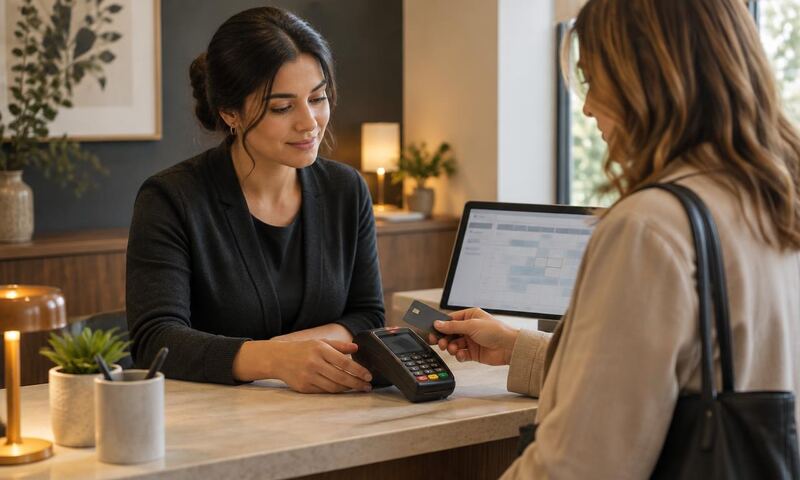
When a card fails during a deposit booking, the next step is decided by retry rules, session handling, and any hold window in the tool. Check what your tool does today before changing anything.
Three mechanics are worth checking in your own flow.
Why cards fail at booking
In plain terms: mistyped numbers, expired cards, insufficient funds, a bank-side fraud filter, and processor downtime. A session that keeps the customer's slot and details in place while they retry with a different card gives the booking a chance to complete; whether it does depends on the reason for the failure.
Mechanic 1. Visible
- 01
Retry on the same screen
Give the customer one more try before the slot releases.
- 02
Hold briefly, then release
Short hold window with a clear timer prevents ghost slots.
- 03
Human follow-up path
Owner is pinged if the retry fails so the customer is not lost.
The error appears next to the card field, not in a red banner at the top of the page. The message names what the customer needs to do next: use a different card, check the number, or contact their bank.
Mechanic 2. Specific
Your card was declined beats something went wrong every time. When the processor returns a reason, show it. When it does not, show a plain sentence and a retry button. Silence is the worst option.
Mechanic 3. Instantly retryable
The customer can retry with a different card without losing the time slot they selected. The service selection, the customer name, and the appointment time all stay populated. Only the card field resets.
Reservation window
Slot reservation windows
Reserve slots for a short window during checkout, then release the slot if the card is not captured by the end of the window. Treat the exact length as an owner-approved starting configuration: set it in your booking tool, and adjust it based on how often genuine retries are cut off versus how long a failing card blocks the slot.
The goal is to give a genuine retry enough room without letting one failed card hold a slot other customers could book.
Logging
What to log
Every failed card produces a row in your booking tool or payments logs. Capture the failure category, the retry outcome, and the ultimate booking status.
Over time this tells you whether your flow loses customers or recovers them.
Recovery
Follow-up on abandoned bookings
Only if you already captured the customer's email or phone earlier in the flow. One short message: your slot is still available, want to try again. No urgency copy. No discount.
One message. If they do not respond, do not chase.
Frequently asked questions
Not sure how your flow handles a decline?
Free scan or Loop Audit reviews your checkout path and flags where retry and session handling need attention before any module is recommended.
No card, no sales call required. Report emailed to you.